Router finder and beep beep!
|
|
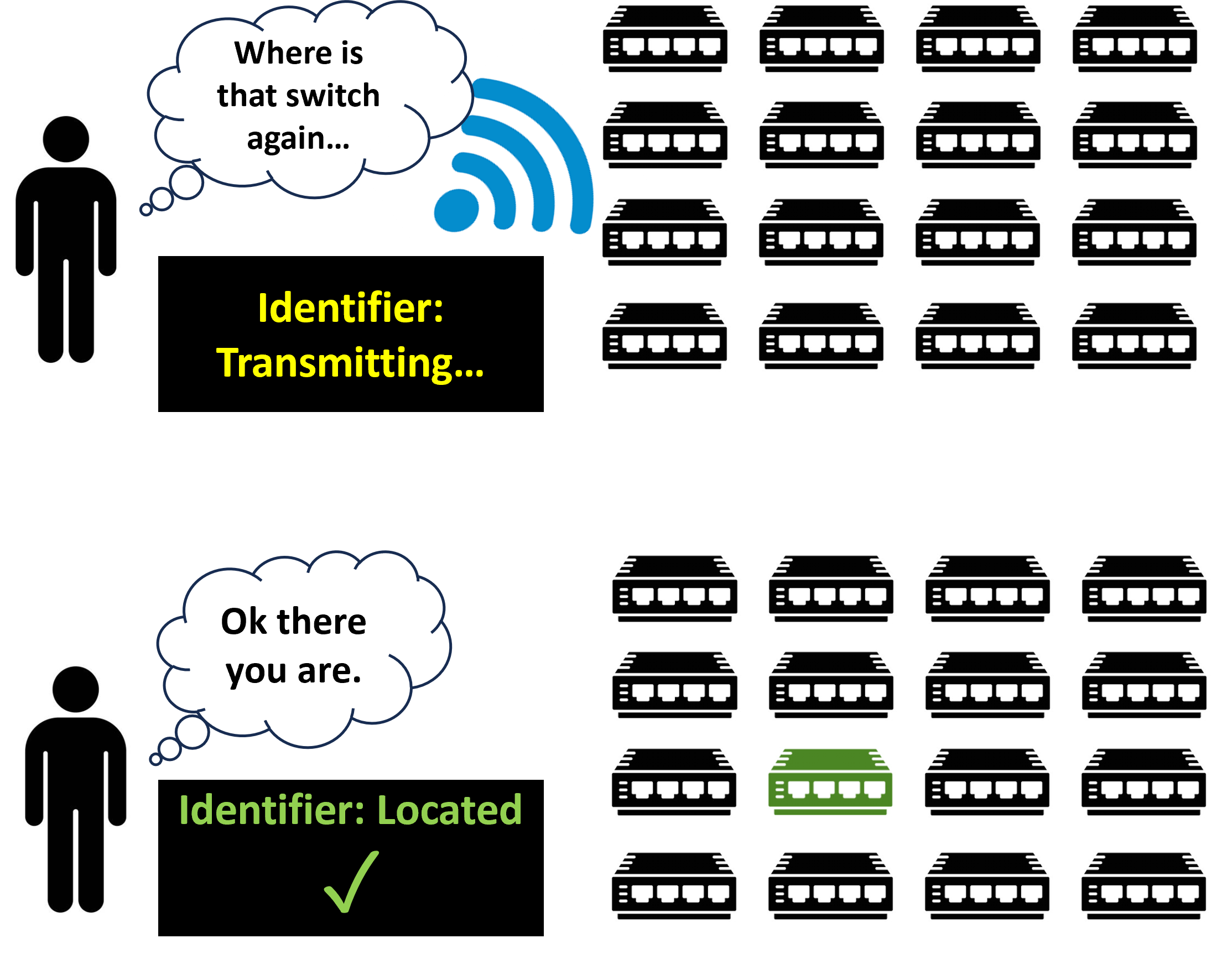
Imagine being in a huge room full of cheap furniture,
and you need that fragile rack. It can be quite
daunting to find the right one. So one does it old
school: they just squint and "ooh" and
"aah" until they find the right unit.
Telco companies have similar problems with their
switches or routers. And when one of them needs to be
inspected or replaced, it can take a long time to find
the right one.
So the idea is: they wanted an screen to key in the
serial number, and the right equipment will light up
and buzz and make a helluva noise so we can find it.
Swipe right!
|
|
|
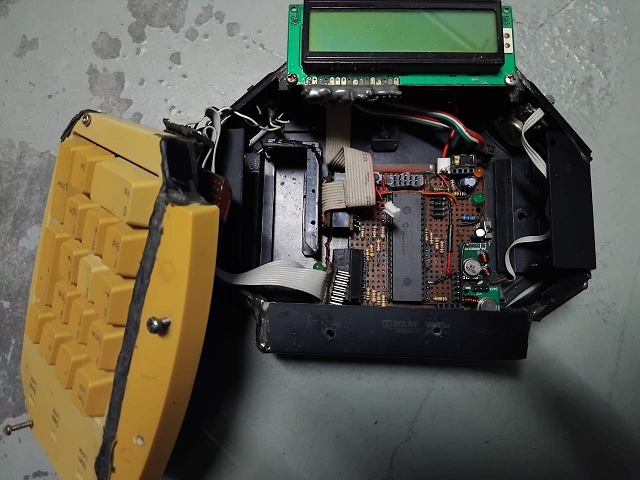
So, we experimented a bit on RF modules. This was just
a general remote device built for testing different RF
modules for transmission (Tx), but if you were to look
closely, 315 MHz pairs were used. They're extremely
cheap even back in 2017.
However, they are extremely prone to noise and had to
be coded very tightly. I remember having to use
Manchester protocol for the modulation, with
double-redundancy polling. Sadly, the source files are
not here. Later, a simple microcontroller board was
designed and printed for the Tx.
Did I hear someone say "Why are you not using Xbee"?
Because one pair costs RM300 back then.
|
|
|
Next was the interface. At a time when easily
accessible touch screens existed, Raspberry Pis were
the OG. The interface was programmed with PyQt, which
had a good
forum community
to help out in the development.
In short, PyQt allows the display of GUI to send
digital data to the microcontroller via the Raspi GPIO
pins. We sent the data from 8 pins, which was crude
but it did the job. The flow was: transfer 0xF0 from
Pi to the Tx microcontroller GPIOs. A simple bit
shifting converts the value to hex for transmission.
For the receivers which light up and blare noise (10
units were made, and I think we used PIC16F1455) to
read the 8-bit data in hex. And internal
oscillator-enabled!
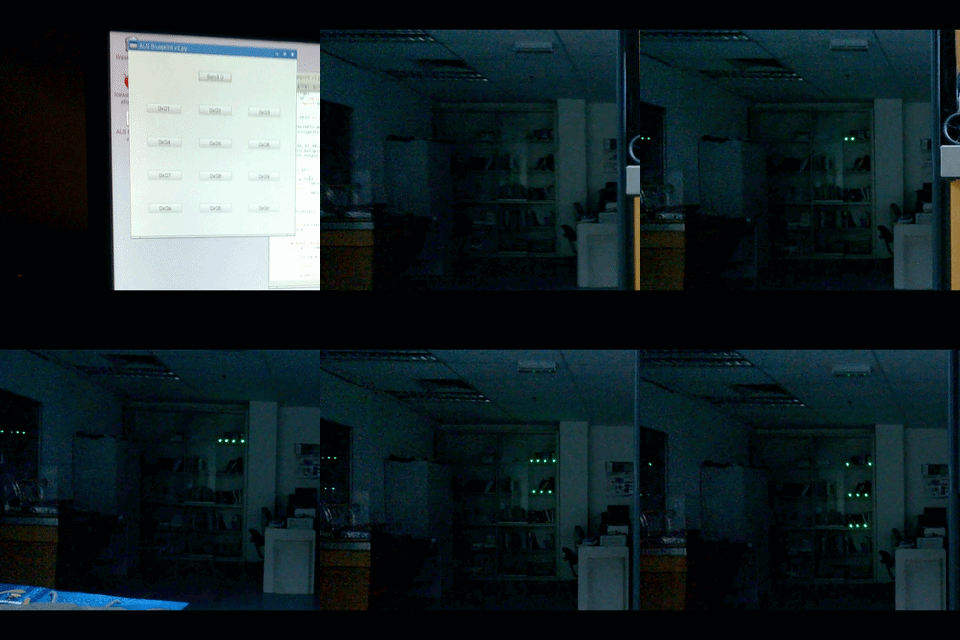
This GIF is an actual footage of me testing the
system. But I've uploaded the
video
too!
|
|
|
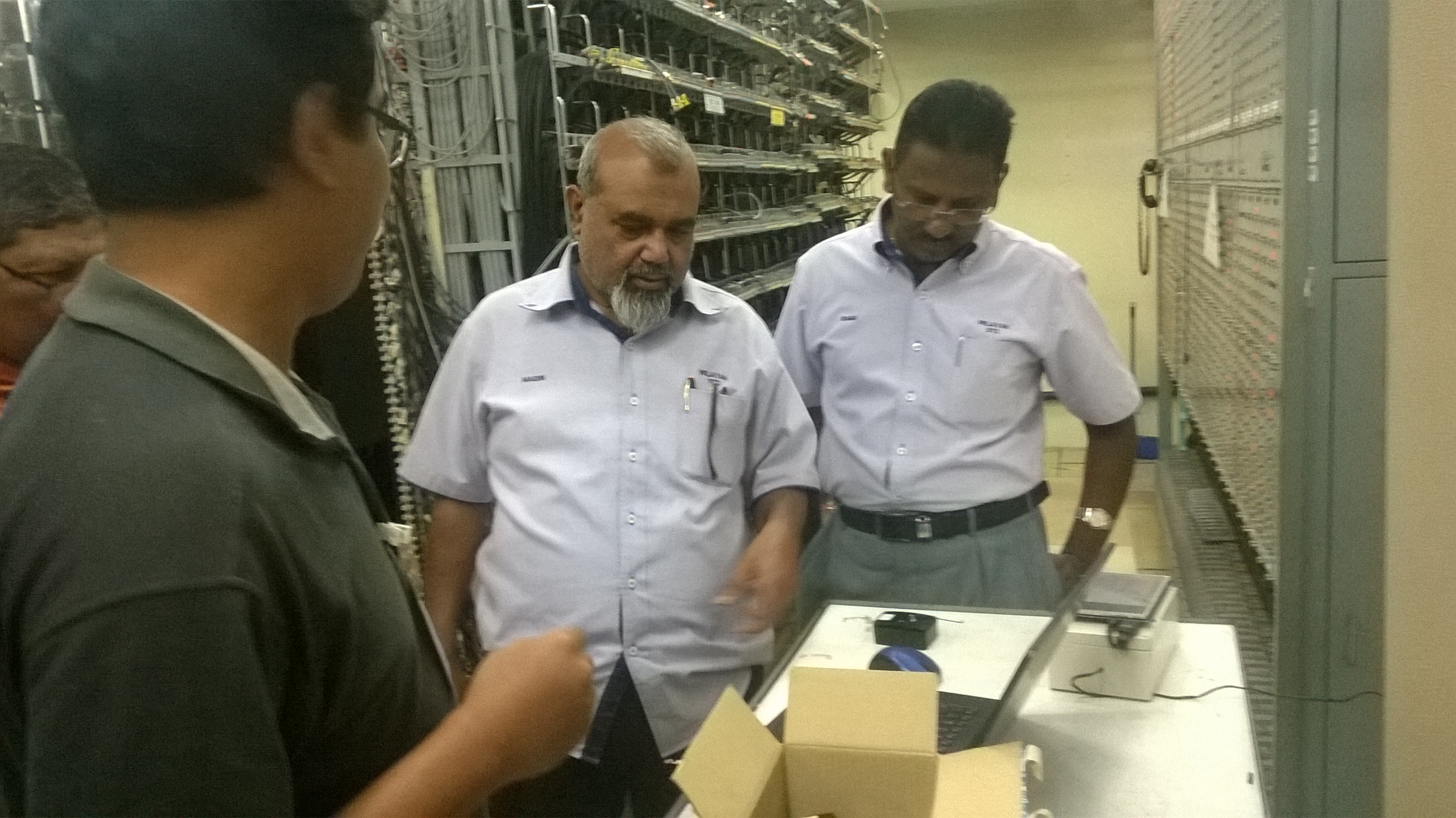
On D-day, we demo-ed the system to our clients. On the
table is the system in a plastic casing, the Raspberry
Pi with the display all in place. Powered with a 12V
DC supply. The room rang and rang from the buzzers
which was really annoying. But all worked well.
Before the demo, I remembered that the whole thing
kept on rebooting. Then we discovered that the 5V
regulator (an LM7805) for the Pi was overheating, with
the use of a thermal camera.
Funnily enough,
Bad
(the one presenting the stuff, and the one responsible
for the PCBs) was the one suggested that we use three
regulators in parallel. Which made me think
"Huh?!!". But it worked. But it was still
running really hot. Nowadays there are really cheap
and efficient buck regulator modules. Not during our
time.
Seems like they won an award for this project.
|

|
|
Here's a funny story though, and it's 100% true.
When me and Bad left the building, we entered the car.
As I shifted into the reverse gear, the car (as any
car would be) made a beep. I was startled by this
sound and looked at Bad, who in turn looked at me,
equally surprised.
"I thought the beep came from those devices!" I
said.
"Me too!" said Bad. We had a good laugh that
day.
Author: AH Poh, 22 May 2026
|

